
The restaurant back office, in one place
Know your food cost this week, not next month.
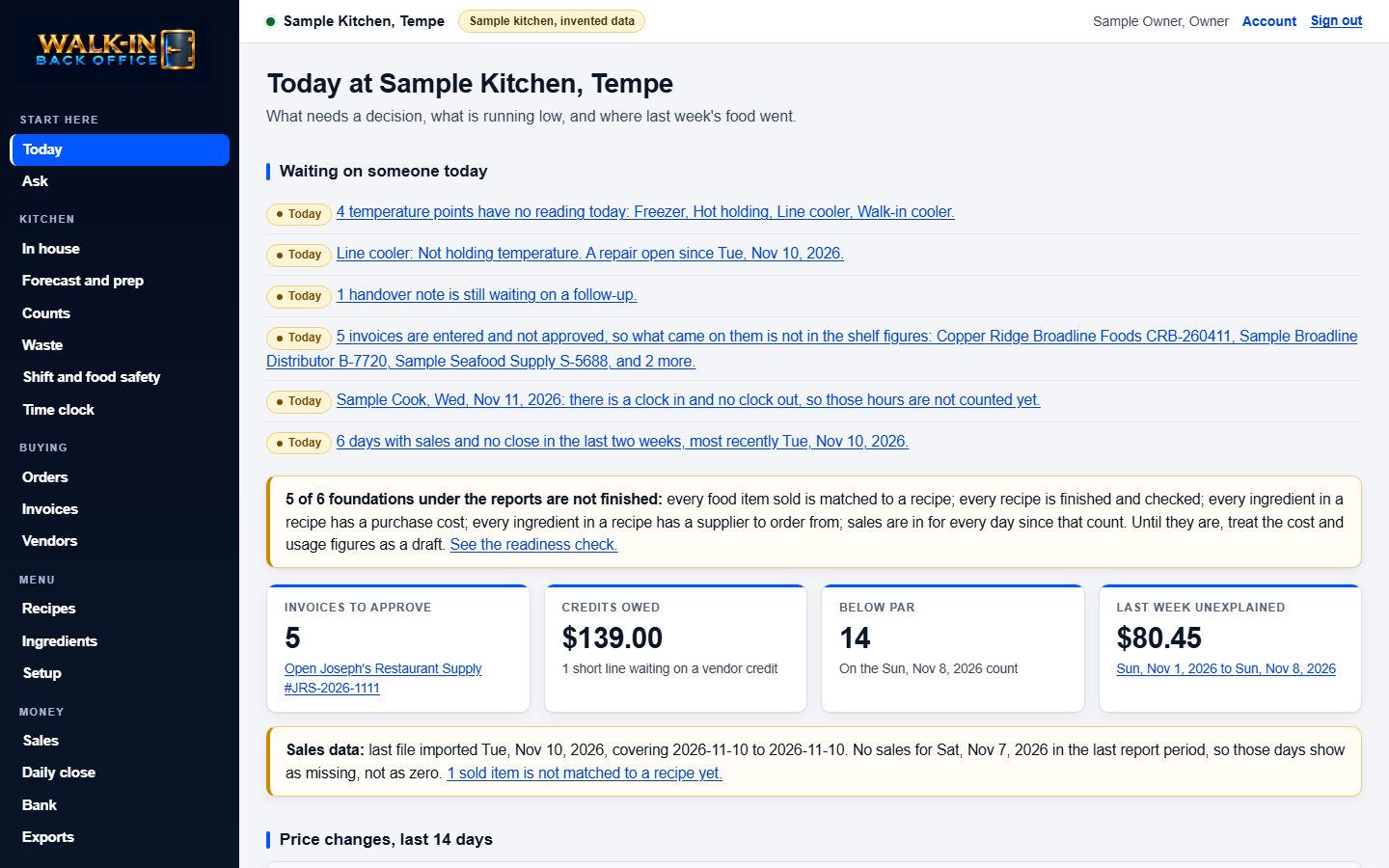
Track every item from the invoice to the plate, and keep enough on the shelf to cover every order, so a guest never hears that their dish is out. Invoices, counts, sales, recipes, labor and the daily close in one place, on the phone already in your pocket.
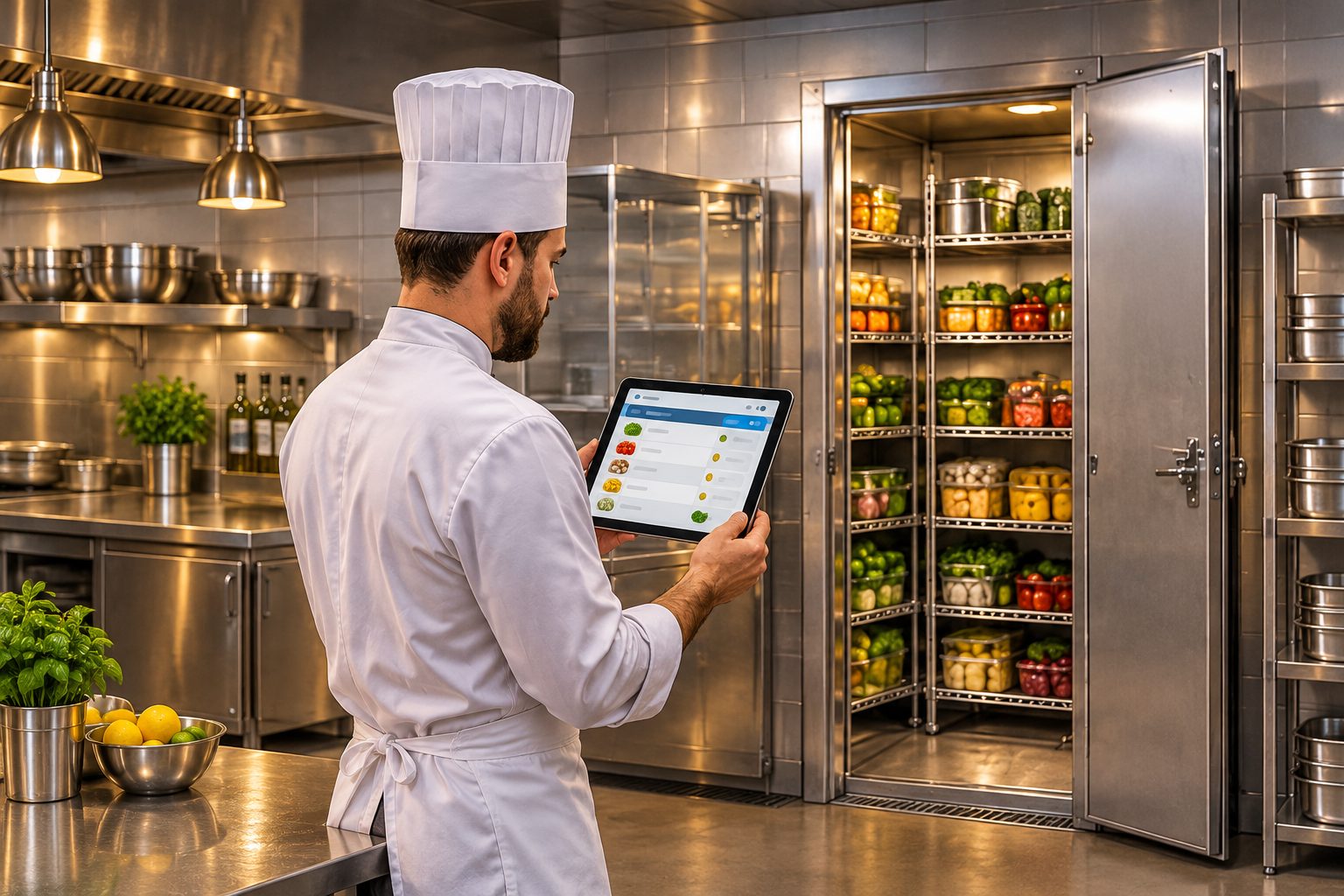
The numbers are already in your building
Nobody has the hours to put the three together, so a food cost problem shows up weeks after it happened. The Walk-In Back Office puts them together every day.
Food cost and inventory
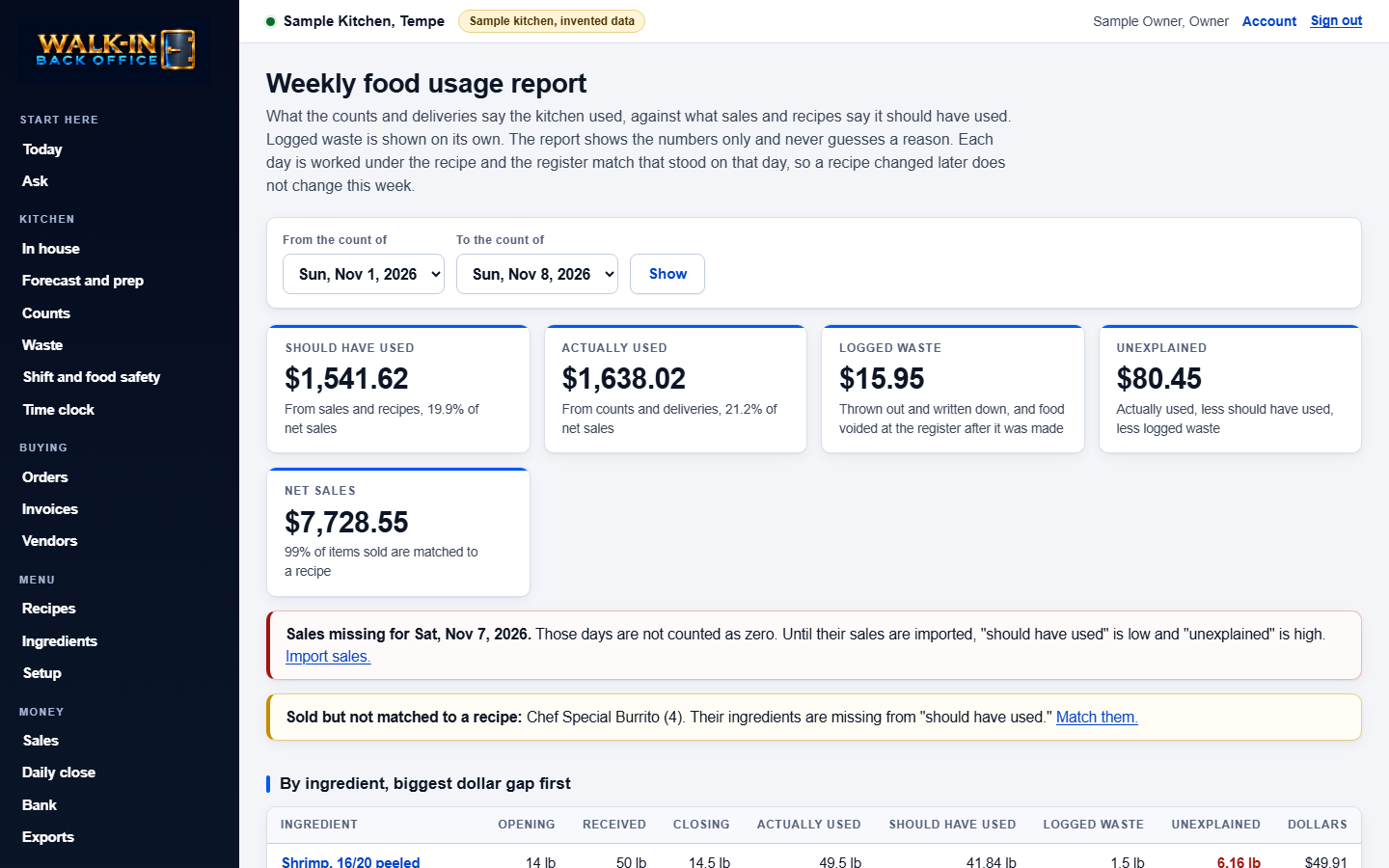
Know what every plate costs, and where the food went
Enter each recipe once. Its cost moves the day a supplier's price moves, and every week the program sets what your recipes expected against what your counts say was used.
- What every plate costs today, and what a new price or portion would do
- Where the food went each week, with the biggest gaps first
- In house grouped by kind, with each item flagged the day it runs short
What it means for you. A food cost problem shows up the week it starts, while there is still time to fix the portion, the waste or the count behind it.
Invoices and orders
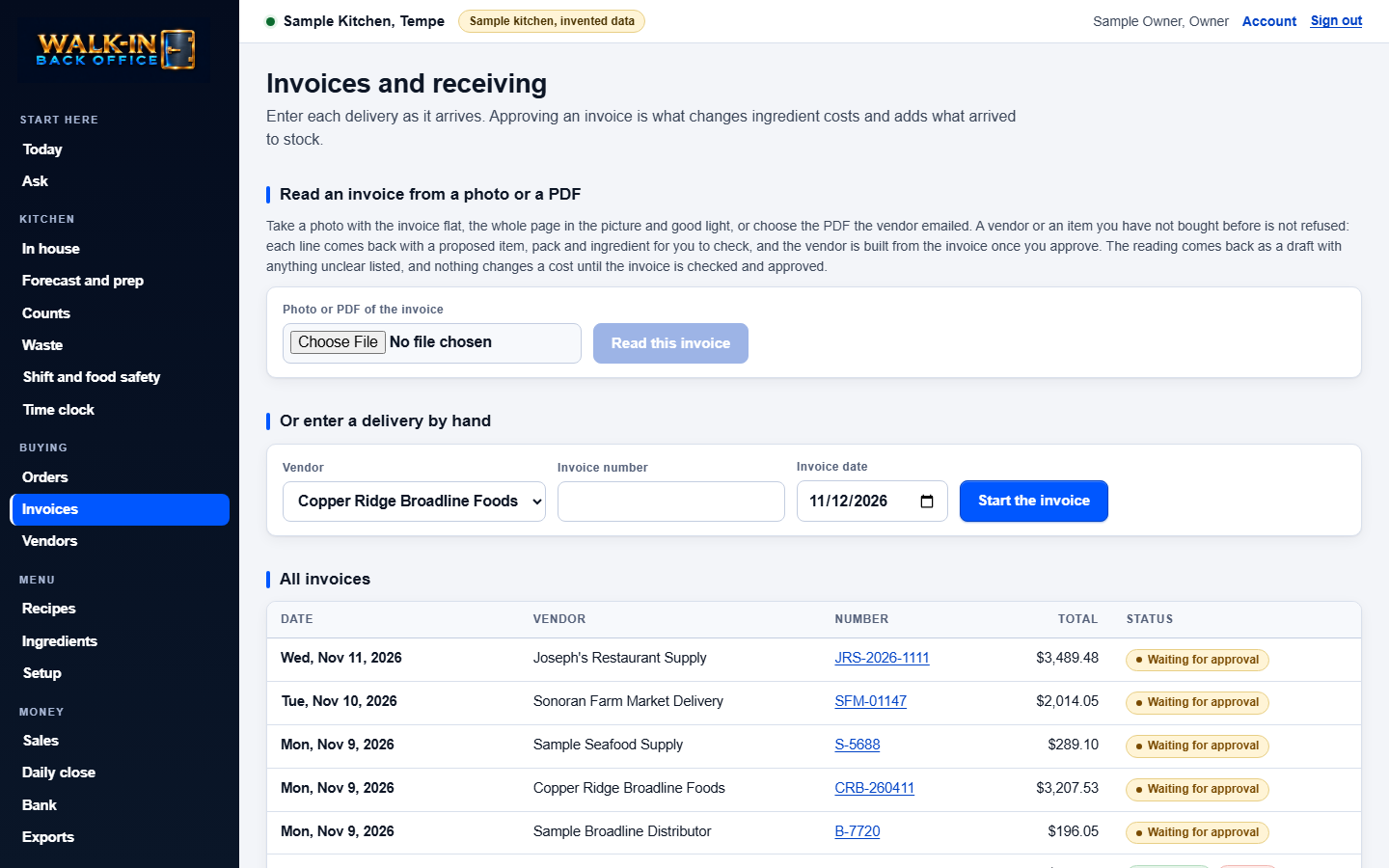
Take a picture of the invoice and you are done typing
Photograph the invoice or send the PDF. Every line is read and marked, a new supplier is set up from its first invoice, and nothing reaches your shelf or your costs until a person approves it.
- Lines priced by the pound, delivery fees, tax and credits handled
- A price that moved is shown the day it moves
- A suggested order for each supplier, sized for how often that supplier delivers
What it means for you. Your purchases are in the program the day they arrive, so the cost of every plate is current instead of a month old.
Counting
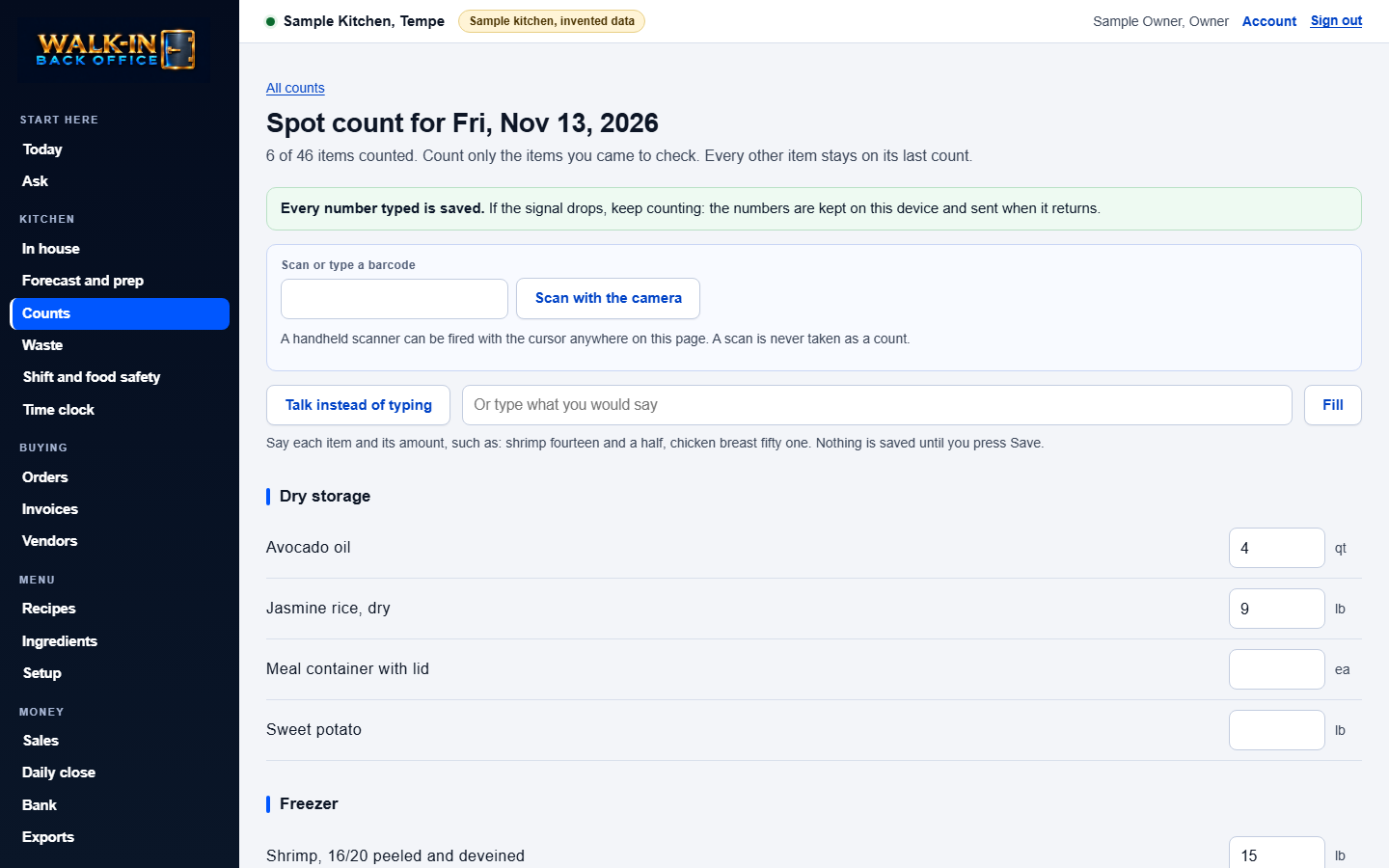
Count the walk‑in on a phone, even with no signal
The count sheet lists items in the order they sit on the shelf. Count by tapping, by scanning a barcode with the phone's camera, or by saying each item and its amount.
- Numbers are kept on the phone and sent when the signal comes back
- Several people can count at once
- A spot count for a few items, and a full count for the week
What it means for you. The count gets done, because it no longer means a clipboard and an evening of typing.
Labor and the money
Labor, the daily close and the bank in the same place
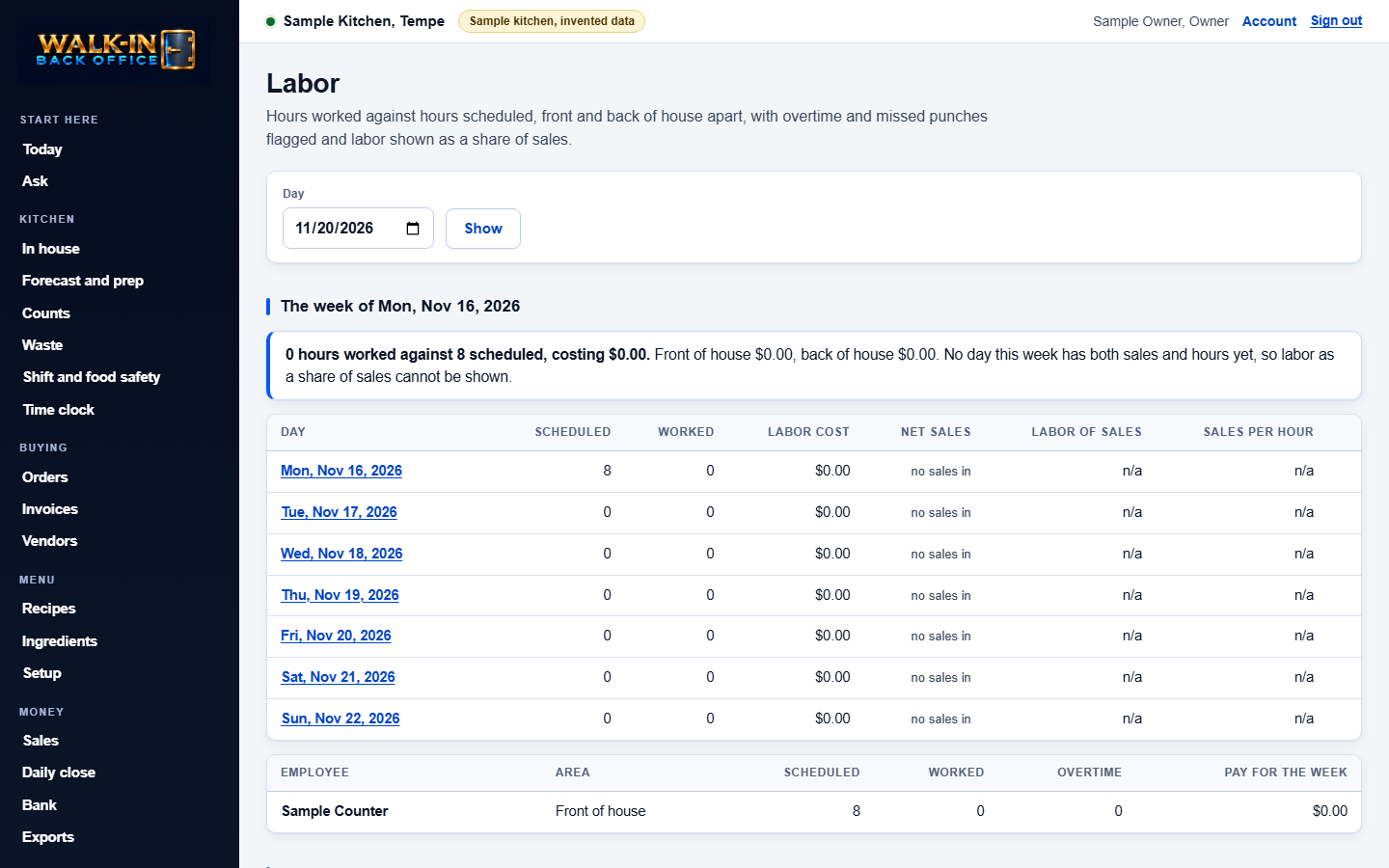
Staff clock in on a tablet with a PIN. The program shows hours, overtime and labor against sales, checks the drawer against the register, and matches deposits against the bank.
- The week's schedule, time off and what the week will cost before it starts
- The daily close, with every change kept on record
- The journal and the hours ready for the accountant and payroll
What it means for you. The two biggest costs in a restaurant, food and labor, sit side by side against the same sales.
For owners and operators
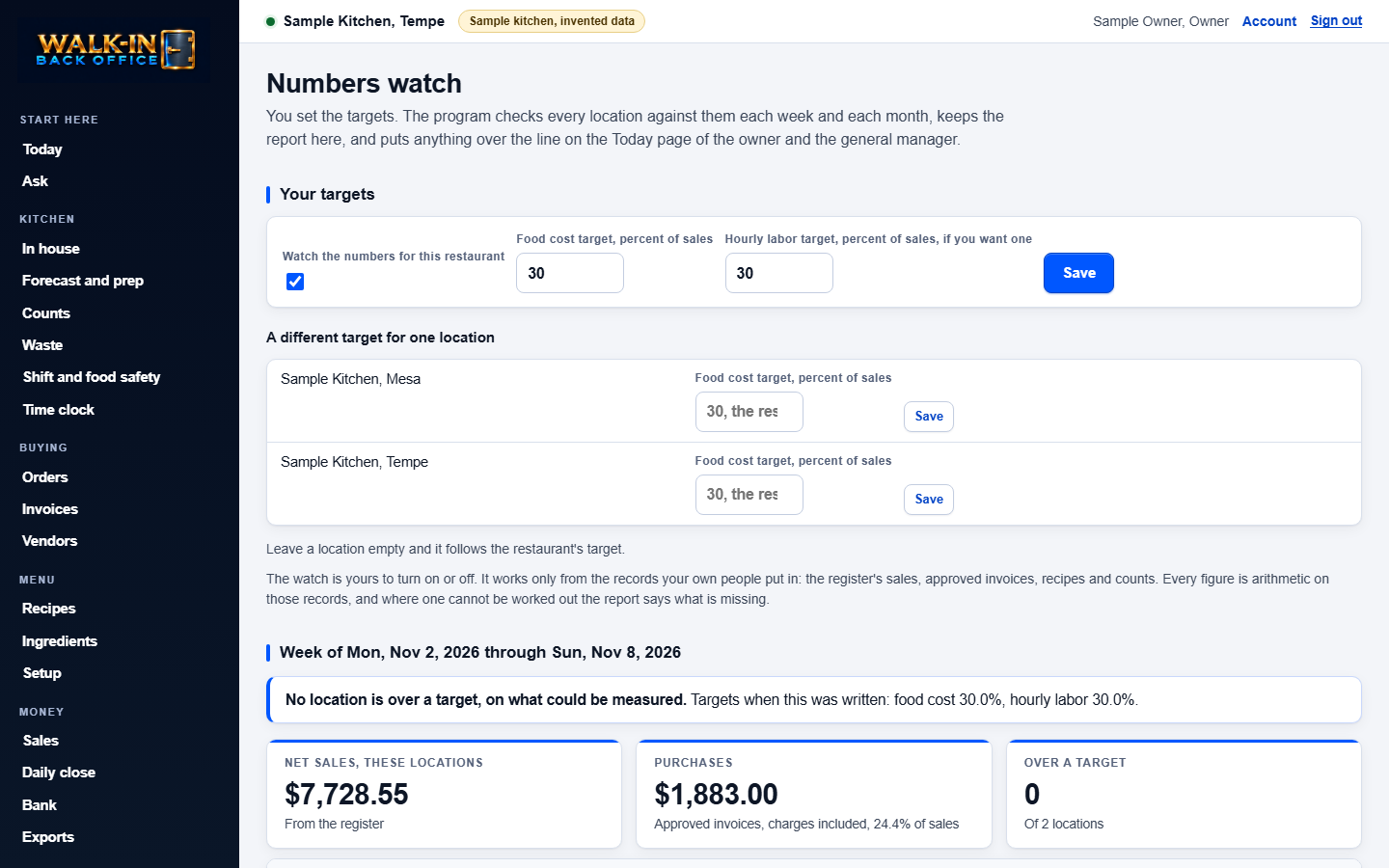
Let it watch the numbers for you
Set a food cost target once. Every week and every month, each location is measured against it, and a location that runs over is on your Today page with how far, how many dollars, and where to look.
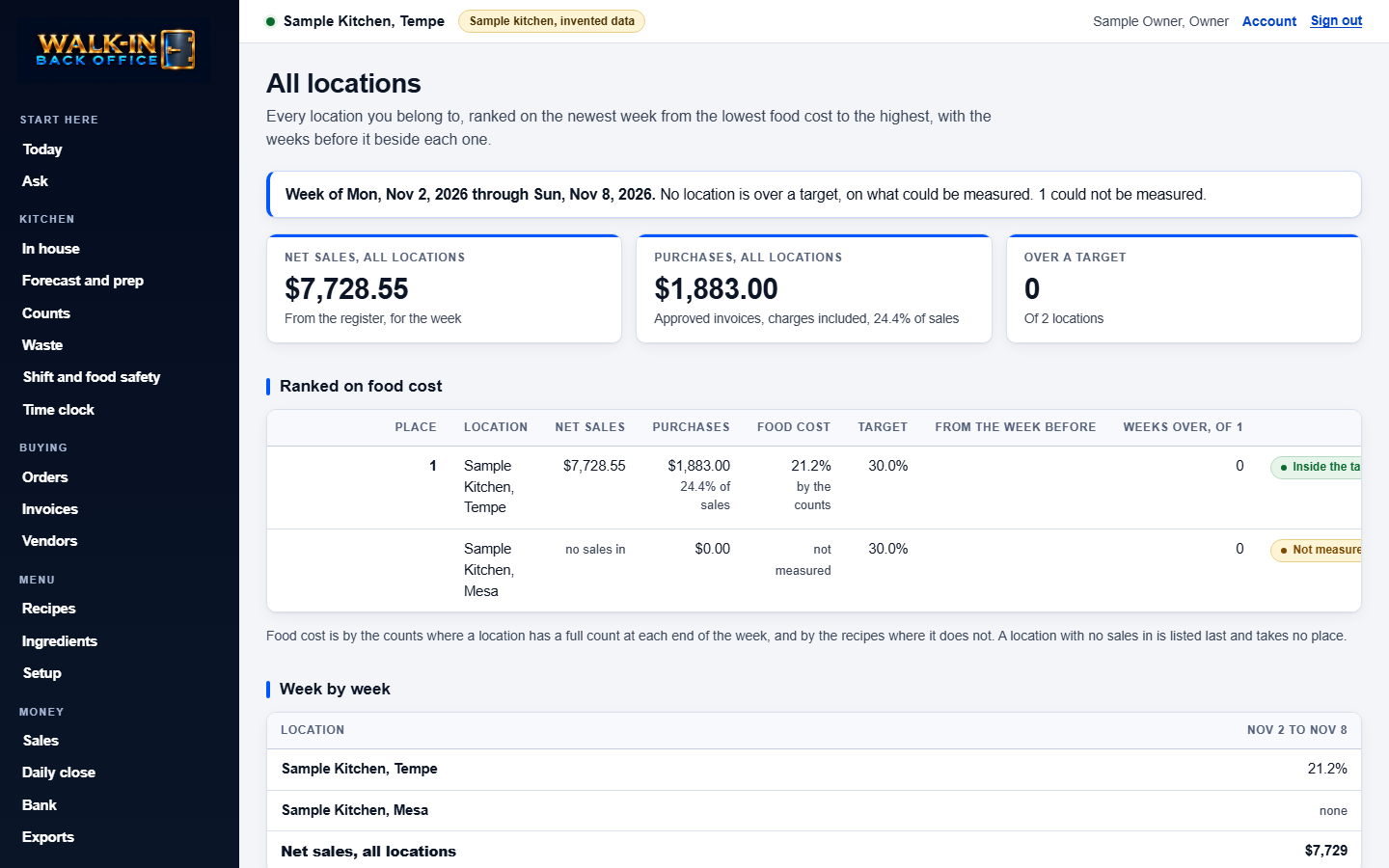
Running more than one store? Every location you belong to is ranked side by side on one page, under one sign in.
Built to fix what owners complain about
We read what restaurant owners say about the back office software they use today, and built the program to answer it.
The whole back office, not one piece of it
Works with the register you have
Sales come in from Full House POS, from a direct connection to your register, or from the sales file your register already makes. Every sale tells the program what was used, so the shelf and the food cost stay current without anyone typing.
Each person sees their own job
In beta testing
We are looking for 5 beta kitchens
The Walk-In Back Office is built and in beta testing. We are looking for the first 5 kitchens that are interested in beta testing it, and each one must be a Full House Formula member. It is month to month, so you can stop at any time.
To apply, call Joseph Batrin or write to us. A beta kitchen starts 7 to 14 days after it asks to join.
Already set up? Sign in to your kitchen.
Walk-In Back Office, part of The Full House Formula. Site by Expand AI Business Solutions. Accessibility Cookies